

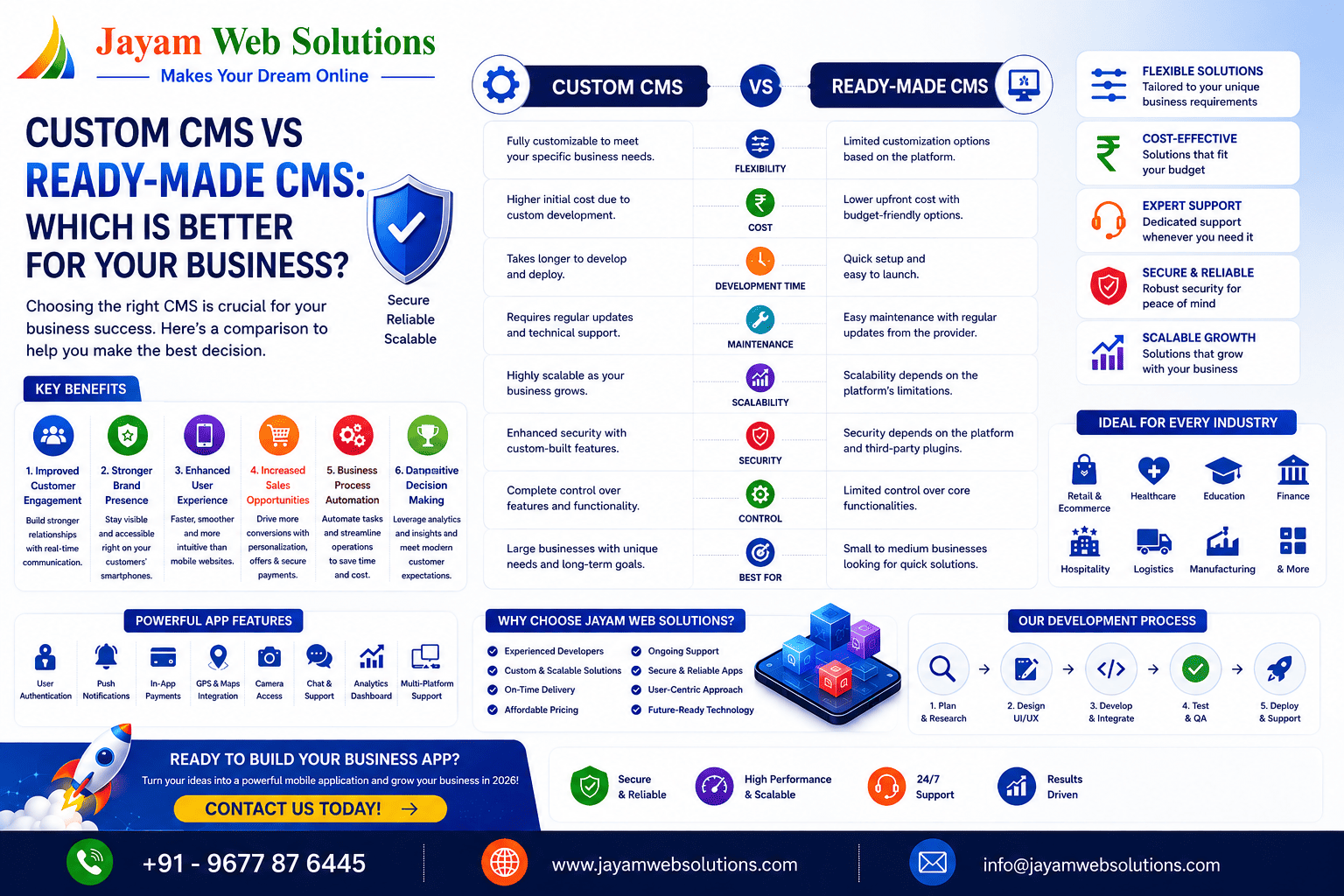
Custom CMS vs Ready-Made CMS: Which Is Better?
A website is more than just an online presence—it is an essential platform for managing content, engaging customers, and supporting business growth. At the core of most modern websites is a Content Management System (CMS), which enables users to create, edit, organize, and publish digital content without requiring extensive technical knowledge.
Today, businesses can choose between two primary approaches: Custom CMS and Ready-Made CMS. While both are designed to simplify website management, they differ significantly in terms of flexibility, scalability, security, customization, and long-term maintenance. Selecting the right CMS is an important decision because it influences website performance, future expansion, operational efficiency, and the overall user experience.
A Ready-Made CMS offers pre-built templates and features that allow websites to be launched quickly, making it suitable for many standard projects. In contrast, a Custom CMS is developed specifically to match unique business requirements, providing complete control over functionality, workflows, integrations, and future enhancements.
Understanding the strengths and limitations of each option helps businesses make informed decisions based on their goals, technical requirements, and long-term growth strategies. This guide explores the key differences between Custom CMS and Ready-Made CMS, their advantages, common use cases, and the factors to consider before choosing the right solution.
What is a Content Management System (CMS)?
A Content Management System (CMS) is software that enables users to create, manage, update, and organize website content without manually editing source code. It provides an intuitive interface for handling pages, blogs, images, documents, products, and other digital assets while simplifying website administration.
A CMS allows businesses to maintain their websites efficiently by giving authorized users access to manage content, media, navigation, and user permissions. Depending on the platform, additional features such as SEO management, security settings, workflow automation, reporting, and third-party integrations may also be available.
CMS platforms generally fall into two categories:
- Custom CMS – Built specifically to meet the unique requirements of a business.
- Ready-Made CMS – Pre-developed platforms with standard features and themes that can be configured for different types of websites.