

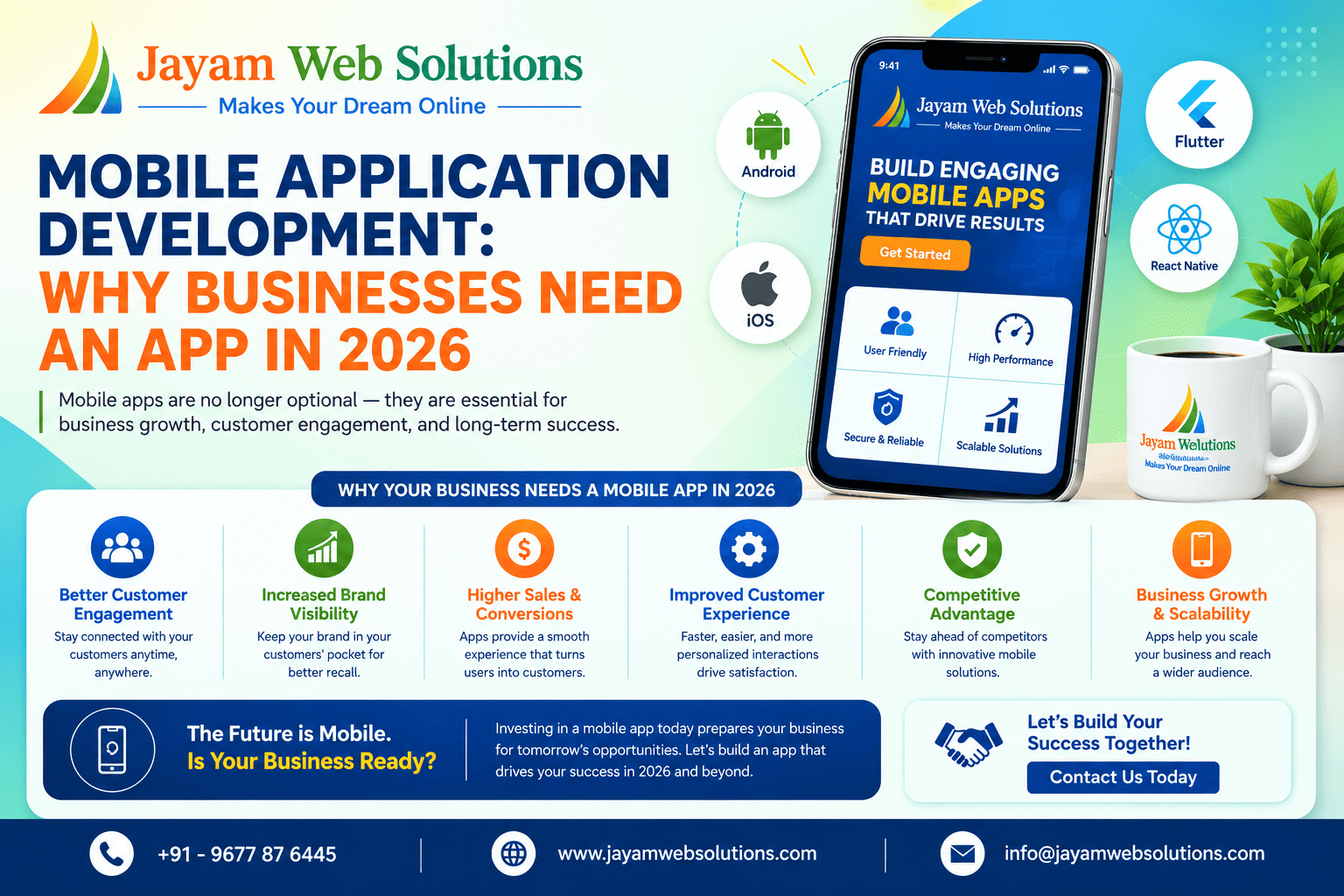
Mobile Application Development: Why Businesses Need a Mobile App in 2026
Introduction
Smartphones have become an important part of everyday life. Customers use mobile devices to search for information, purchase products, make payments, book services, communicate with businesses, and manage their daily activities.
Because of this shift in customer behaviour, businesses are increasingly looking at mobile applications as an important part of their digital strategy.
A mobile application can provide customers with a convenient way to interact with a business directly from their smartphones. It can also help businesses improve internal processes, automate tasks, collect useful information, and provide personalized services.
In 2026, businesses across different industries can use mobile applications to create stronger customer connections and improve their digital operations.
What Is a Mobile Application?
A mobile application is a software application designed to run on mobile devices such as smartphones and tablets.
User registration and login
- Product browsing
- Online ordering
- Payments
- Booking
- Notifications
- Customer support
- Location services
- Profile management
- Reports and dashboards
- Chat functionality
- Loyalty programs
The features depend on the purpose of the application and the target users.
Why Do Businesses Need a Mobile Application?
1. Better Customer Engagement
A mobile app can provide customers with a direct communication channel.
Businesses can use features such as push notifications to share relevant updates, offers, reminders, and information with app users.
This can help businesses maintain an ongoing relationship with their customers.
2. Convenient User Experience
Customers often prefer simple and convenient ways to interact with businesses.
A mobile app can bring frequently used services into one place.
For example, customers may be able to:
- Place orders
- Make payments
- Check bookings
- Track orders
- Contact support
- View offers
- Manage their accounts
This can make common customer activities easier.
3. Increased Sales Opportunities
A mobile application can create additional opportunities for businesses to promote products and services.
Personalized offers
- Product recommendations
- Promotions
- Loyalty programs
- In-app purchases
- Notifications
These features can help businesses encourage repeat engagement and create additional sales opportunities.
4. Push Notifications
Businesses can use notifications for:
- New products
- Special offers
- Booking reminders
- Order updates
- Payment confirmations
- Important announcements
- Service updates
Notifications should be relevant and useful so that customers receive information without feeling overwhelmed.
5. Stronger Brand Presence
A mobile application can keep a business visible on a customer's smartphone.
When customers install an app, the business becomes part of their regular digital environment.
- Logo
- Colours
- Typography
- User interface
- Brand messaging
Mobile Applications for Different Industries
Mobile applications can be customized for different industries and business models.
E-Commerce
E-commerce businesses can use mobile apps for:
- Product browsing
- Shopping carts
- Online payments
- Order tracking
- Wishlist
- Offers
- Customer accounts
Healthcare
Healthcare applications can support:
- Appointment booking
- Doctor information
- Patient communication
- Reminders
- Reports
- Teleconsultation features
Education
- Online classes
- Learning materials
- Tests
- Student dashboards
- Notifications
- Progress tracking
Hospitality
Hotels and hospitality businesses can use apps for:
- Room booking
- Reservations
- Service requests
- Offers
- Customer communication
Logistics
Logistics applications can support:
- Delivery tracking
- Driver management
- Order management
- Location tracking
- Delivery updates
Finance
Financial applications can provide features such as:
- Account access
- Transactions
- Payments
- Notifications
- Reports
The application features should always be designed according to the industry's requirements and security needs.
Important Features of a Business Mobile Application
1. User Authentication
Secure login and registration allow users to access their accounts.
Depending on the application, authentication can include:
- Email and password
- Mobile number
- OTP
- Social login
- Multi-factor authentication
2. User-Friendly Interface
A mobile application should be easy to understand and navigate.
A good interface should provide:
- Clear navigation
- Simple layouts
- Readable content
- Consistent design
- Easy-to-use buttons
- Clear calls to action
The goal is to help users complete tasks without unnecessary complexity.
3. In-App Payments
Businesses that sell products or services can integrate suitable payment solutions into their applications.
Users may be able to complete transactions without leaving the application.
Payment security and compliance requirements should be considered carefully during development.
4. Push Notifications
Push notifications can help businesses communicate with app users in real time.
They can be used for transactional updates as well as relevant marketing communication.
5. Location and GPS Integration
Location features can be useful for businesses such as:
- Delivery services
- Taxi and transportation
- Logistics
- Travel
- Local services
Location functionality should be implemented with appropriate user permissions and privacy considerations.
6. Analytics and Reports
Analytics can help businesses understand how customers interact with their applications.
Businesses can monitor information such as:
- User activity
- App usage
- Popular features
- Product interactions
- Orders
- Engagement
These insights can support better business decisions.
Android vs iOS vs Cross-Platform Development
Businesses have different options when developing a mobile application.
Android App Development
Android applications are designed for Android devices and can help businesses reach a broad mobile audience.
iOS App Development
iOS applications are developed for Apple devices and can provide a platform-specific experience.
Cross-Platform App Development
The right choice depends on:
- Target audience
- Budget
- Features
- Performance requirements
- Development timeline
- Long-term maintenance
Benefits of Custom Mobile App Development
Designed Around Your Business
A custom application can be developed according to your specific workflow and requirements.
Better Integration
A mobile application can potentially integrate with existing systems such as:
- CRM
- ERP
- E-commerce platforms
- Payment systems
- Booking systems
- APIs
- Business dashboards
Scalable
A custom application can be expanded with new features as business requirements change.
Better Customer Experience
The application can be designed specifically around the needs of your target customers.
Mobile App Security
Security should be considered throughout the mobile application development process.
Important areas include:
- Secure authentication
- Data encryption
- Secure API communication
- Access control
- Secure payment processing
- Session management
- Data protection
- Regular security updates
Businesses should also follow appropriate privacy and data protection requirements applicable to their operations and customers.
How to Develop a Successful Mobile Application
Step 1: Define the Business Objective
First, identify why the business needs the application.
For example:
- Increase sales
- Improve customer service
- Automate operations
- Provide online booking
- Improve communication
Step 2: Understand the Target Users
Identify who will use the application and what problems they need to solve.
Step 3: Plan the Features
Create a list of essential features and prioritize them.
Step 4: Design UI/UX
Create a simple and intuitive interface before development begins.
Step 5: Develop the Application
Develop the frontend, backend, database, APIs, authentication, and integrations required by the application.
Step 6: Test
Test the application across supported devices and scenarios.
Testing should include:
- Functional testing
- UI testing
- Performance testing
- Security testing
- Device compatibility testing
Step 7: Launch and Maintain
After launch, monitor the application and provide regular updates, bug fixes, security improvements, and feature enhancements.
Visit us at www.jayamwebsolutions.com to get started!
Kindly Reach us / Call us +91 9677876445