

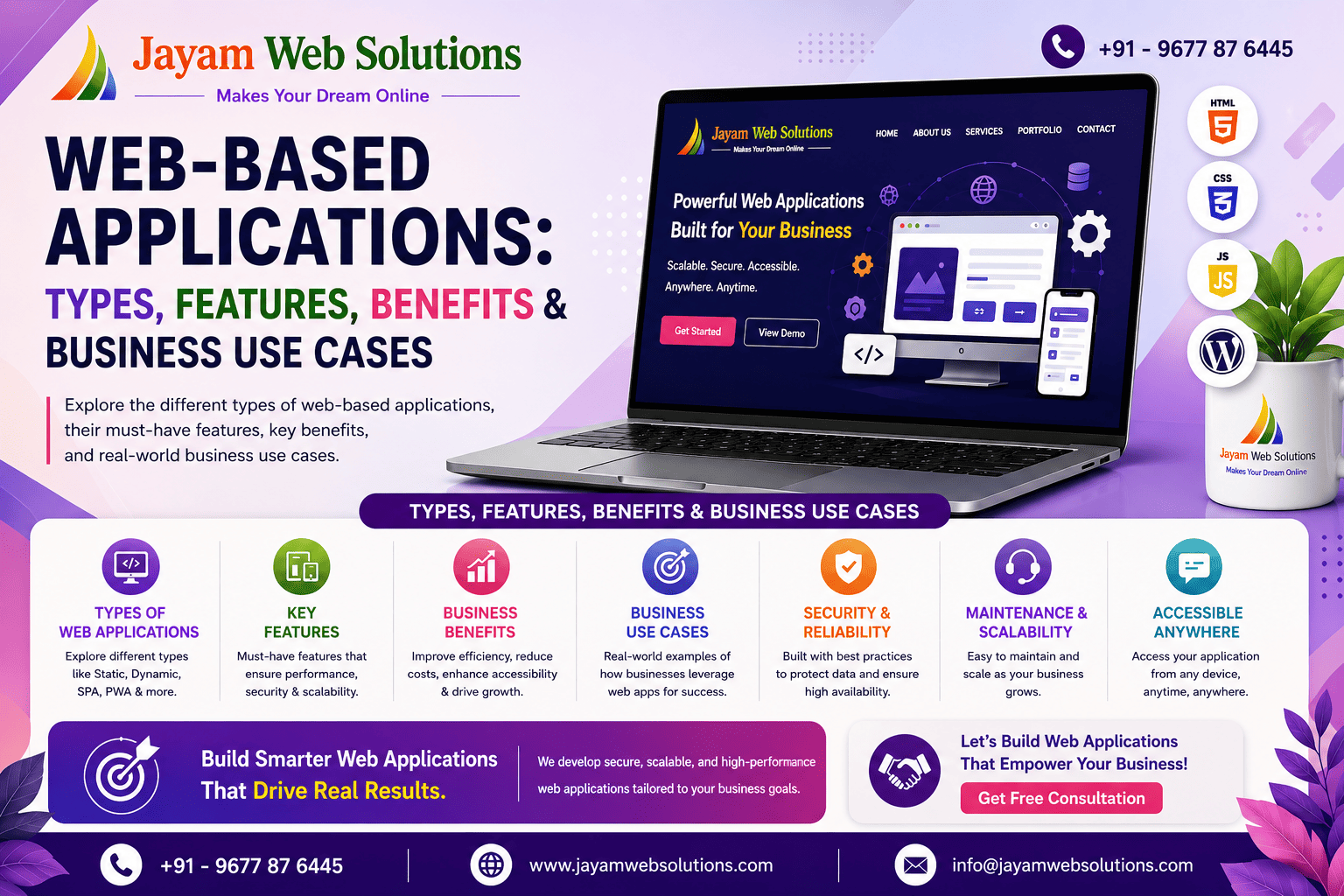
Web-Based Applications: A Complete Guide for Modern Businesses
Businesses today rely on digital tools to manage operations, communicate with customers, automate repetitive activities, and improve productivity. While traditional websites mainly provide information, web-based applications are designed to perform specific business functions through a browser.
A web-based application can help an organization manage employees, customers, projects, quotations, bookings, products, documents, subscriptions, recruitment processes, examinations, and many other workflows from a centralized platform.
Unlike installing separate software on every computer, web applications can generally be accessed through a web browser using an internet connection. This makes them suitable for businesses that need centralized data, multiple user roles, real-time access, and workflow automation.
Modern custom web application development can also support SaaS models, API integrations, payment gateways, dashboards, reports, notifications, cloud storage, and third-party services.
What Is a Web-Based Application?
A web-based application is an interactive software application that runs through a web browser. Users can log in and perform specific activities based on their assigned permissions.
For example, an organization may use a project management application where:
- Administrators create and manage projects
- Managers assign tasks to employees
- Employees update task progress
- Teams monitor project status
- Reports are generated from collected data
Similarly, a business may use a quotation application to manage customers, create quotations, generate PDFs, and maintain quotation records.
The main advantage is that the application can be customized according to the organization's actual workflow instead of forcing the business to adapt to a generic software product.
Why Businesses Need Web-Based Applications
As businesses grow, managing operations through spreadsheets, emails, and disconnected tools can become difficult. Important information may be distributed across different systems, making it harder to track activities and measure performance.
A custom web application can bring these processes together into a single platform.
Centralized Data
Customer information, employee records, projects, orders, quotations, documents, and reports can be managed from one system.
Workflow Automation
Repeated activities such as notifications, reminders, status updates, calculations, report generation, and subscription renewals can be automated.
Multiple User Roles
Different users can receive different permissions based on their responsibilities. For example, a system may have Admin, Manager, Employee, Teacher, Student, Recruiter, Seller, or Customer roles.
Anywhere Access
Since the application operates through a browser, authorized users can access the system from different locations and devices.
Better Monitoring
Dashboards and reports can provide management with a clearer view of business performance and ongoing activities.
Types of Web-Based Applications
Web applications can be developed for different industries and business requirements. Some common categories include the following.
1. SaaS Applications
Software as a Service, commonly called SaaS, allows users to access software through a subscription-based model.
A SaaS web application can support multiple organizations or customers while providing centralized administration, subscription management, user management, and organization-specific data.
Common SaaS features include:
- Subscription plans
- User management
- Multi-tenant architecture
- Role-based access
- Dashboard
- Billing management
- Notifications
- Reports
- Account management
SaaS applications are useful for businesses that want to provide their software as an online service.
2. Learning Management Systems
A Learning Management System (LMS) is a web-based platform designed to manage online education and training activities.
Educational organizations can use an LMS to manage institutions, teachers, students, batches, subjects, courses, examinations, assignments, and performance reports.
Advanced LMS platforms can also include:
- Online examinations
- Question bank management
- Mock tests
- Student performance analytics
- Batch and subject management
- Secure login
- Role-based access
- Assignment management
- Progress tracking
For subjects involving mathematics, engineering, and science, specialized tools such as equation editors can also be integrated.
3. Online Examination Platforms
Online examination applications allow educational institutions and organizations to conduct tests digitally.
A web-based examination platform can manage question banks, examination schedules, time limits, student access, answer submissions, results, and reports.
Important features can include:
- Secure examination login
- Time-based examinations
- Question management
- Automated result processing
- Student performance tracking
- Mock tests
- Examination reports
- High concurrent user support
Such platforms can be especially useful when examinations need to be conducted for students across multiple locations.
4. Recruitment and Job Portals
Recruitment web applications help companies and HR teams manage the hiring process digitally.
Instead of maintaining candidate information across spreadsheets and emails, recruiters can use a centralized platform to manage job postings and candidate profiles.
Typical features include:
- Company registration
- Job posting
- Candidate registration
- Resume management
- Recruiter dashboard
- Candidate tracking
- Selection process management
- Interview status
- Offer letter generation
- HRMS API integration
A recruitment portal can help organizations create a structured hiring workflow from application to selection.
5. Service Booking Marketplaces
A service booking web application connects customers with service providers.
Customers can search for available services, view service provider information, make bookings, and provide ratings or reviews.
Service marketplace applications can include:
- Service provider registration
- Customer registration
- Service listing
- Search and filtering
- Booking management
- Customer dashboard
- Ratings and reviews
- Admin management
- Notifications
- Payment integration
This model can be used for many service-based industries.
6. Job, Resume and Candidate Management Systems
Businesses that regularly recruit employees can use an internal recruitment management application to organize candidate information.
Such a system can maintain a centralized resume database and allow HR teams to track candidates throughout the recruitment workflow.
Useful modules include:
- Resume database
- Candidate profiles
- Candidate tracking
- Task allocation
- Interview status
- Recruitment dashboard
- Search and filtering
- Recruitment reports
This can reduce manual recruitment administration and make candidate follow-up easier.
7. Project Management Applications
Project management is another important use case for web-based applications.
A project management system can help organizations plan projects, assign tasks, monitor employees, track progress, and generate reports.
Common features include:
- Project planning
- Project assignment
- Task management
- Employee dashboard
- Task status tracking
- Progress monitoring
- Team collaboration
- Timesheet management
- Reports
- Notifications
A centralized project management application gives managers better visibility into ongoing work and employee activities.
8. Quotation Generation Systems
Businesses that regularly prepare quotations can benefit from a dedicated quotation management application.
A web-based quotation system can help users manage customers, services or products, create quotations, apply pricing, and generate professional documents.
Important features may include:
- Customer management
- Product or service management
- Quotation builder
- Pricing management
- PDF generation
- Company branding
- Multi-user access
- Quotation status tracking
- Customer history
For businesses handling multiple quotations every day, automation can significantly reduce repetitive work.
9. Marketing Follow-Up and CRM Applications
Sales and telemarketing teams need to track leads, customer conversations, follow-up dates, and sales activities.
A custom CRM or marketing follow-up application can centralize this information.
Features may include:
- Lead management
- Customer management
- Follow-up scheduling
- Reminder system
- Sales tracking
- Employee performance monitoring
- Interaction history
- Dashboard
- Reports
Automated reminders can help teams reduce missed follow-ups and maintain consistent customer communication.
10. Private Cloud Storage Applications
Organizations that manage large numbers of documents may require a centralized document storage platform.
A private cloud storage application can provide secure file management while allowing authorized users to organize and access documents.
Common features include:
- Secure file upload
- Folder management
- File sharing
- User permissions
- Storage management
- Document organization
- Access control
This type of application can be customized according to the organization's document management requirements.
11. Sustainability and Carbon Offset Platforms
Web applications can also be developed for environmental and sustainability-related activities.
For example, a carbon offset platform can calculate emissions generated by travel and allow users to support environmental projects.
Possible features include:
- Flight emission calculator
- Carbon offset calculator
- Green project information
- Contribution management
- User dashboard
- Admin management
- Environmental reporting
Such applications demonstrate how custom web technology can support specialized business and sustainability objectives.
12. Business Listing and Subscription Portals
A business directory application allows companies to create online listings and promote their services.
When combined with subscription management, the platform can provide different plans for businesses.
Typical features include:
- Business registration
- Business listings
- Subscription plans
- Online payments
- Renewal reminders
- Invoice generation
- Lead generation
- Admin management
Subscription-based business directories can create a recurring revenue model while providing businesses with an online presence.
13. SaaS E-Commerce Platforms
Traditional e-commerce websites generally represent a single business, while a SaaS e-commerce platform can allow multiple businesses or sellers to create and manage their own online stores.
A multi-tenant SaaS e-commerce application can provide:
- Seller registration
- Subscription plans
- Store management
- Product management
- Order management
- Customer management
- Admin control panel
- Seller dashboard
- Payment integration
- Subscription management
This approach is suitable for businesses that want to offer an online store platform to multiple sellers.
Key Features of a Modern Web-Based Application
Although the features depend on business requirements, a professional web application can include several important capabilities.
Role-Based Access Control
Different users can access different sections of the application based on their roles.
Admin Dashboard
Administrators can monitor users, transactions, activities, reports, and system settings from a centralized dashboard.
API Integration
APIs can connect the application with external services such as payment gateways, SMS platforms, email services, maps, HRMS systems, and other business tools.
Notifications
Email, SMS, push notifications, and in-application notifications can be used to communicate important updates.
Payment Gateway Integration
Applications involving subscriptions, bookings, e-commerce, or online payments can integrate suitable payment gateways.
Reports and Analytics
Data can be converted into useful reports and dashboards to help management make informed decisions.
Document and PDF Generation
Quotation systems, invoice platforms, recruitment applications, and other business applications can generate downloadable documents.
Search and Filtering
Large amounts of customer, employee, product, candidate, or project data can be easier to manage with advanced search and filtering.
Web-Based Applications vs Traditional Websites
A traditional website mainly provides information such as company details, services, products, contact information, blogs, and other content.
A web application goes further by allowing users to perform actions and manage data.
For example:
Website:
A company displays its services and contact details.
Web Application:
Customers can register, log in, book a service, make payments, track status, and receive notifications.
Therefore, businesses requiring interactive workflows, user dashboards, data management, automation, and role-based access may benefit from web application development.
Benefits of Custom Web Application Development
Improved Productivity
Automating repetitive tasks can help employees spend more time on important business activities.
Better Data Management
Centralized data reduces dependency on multiple spreadsheets and disconnected systems.
Scalable Architecture
A properly planned web application can be expanded as business requirements grow.
Customized Workflow
The application can be designed according to the organization's actual processes.
Improved Collaboration
Different departments and users can work on the same platform while maintaining appropriate access permissions.
Better Decision Making
Real-time dashboards and reports can provide useful insights into business operations.
How to Choose the Right Web Application Solution
Before developing a web application, businesses should clearly identify their objectives and workflow.
Consider the following:
-
What business problem should the application solve?
-
Who will use the application?
-
What user roles are required?
-
What modules and features are necessary?
-
Does the application require payment integration?
-
Are third-party APIs required?
-
What reports and dashboards are needed?
-
What security requirements should be implemented?
-
How much data and traffic is expected?
-
Will the application need future expansion?
A clear requirement analysis can help create a scalable and user-friendly solution.
Why Custom Web Applications Are Important for Growing Businesses
Every business has its own workflow. A generic application may provide useful features, but it may not always match the exact requirements of an organization.
Custom web application development allows businesses to build functionality around their processes.
Whether the requirement is an LMS, recruitment platform, project management system, quotation application, booking marketplace, CRM, cloud storage platform, subscription portal, or SaaS e-commerce system, the application can be designed around specific business objectives.
The result is a centralized digital platform that can improve operational efficiency, data visibility, and workflow management.
Conclusion
Web-based applications have become an important part of modern business technology. From SaaS platforms and learning management systems to recruitment portals, project management tools, quotation systems, booking marketplaces, CRM applications, cloud storage, sustainability platforms, business directories, and SaaS e-commerce platforms, web applications can support a wide range of business requirements.
The right solution depends on the organization's workflow, users, scalability requirements, integrations, security needs, and long-term goals.
Visit us at www.jayamwebsolutions.com to get started!
Kindly Reach us / Call us +91 9677876445