

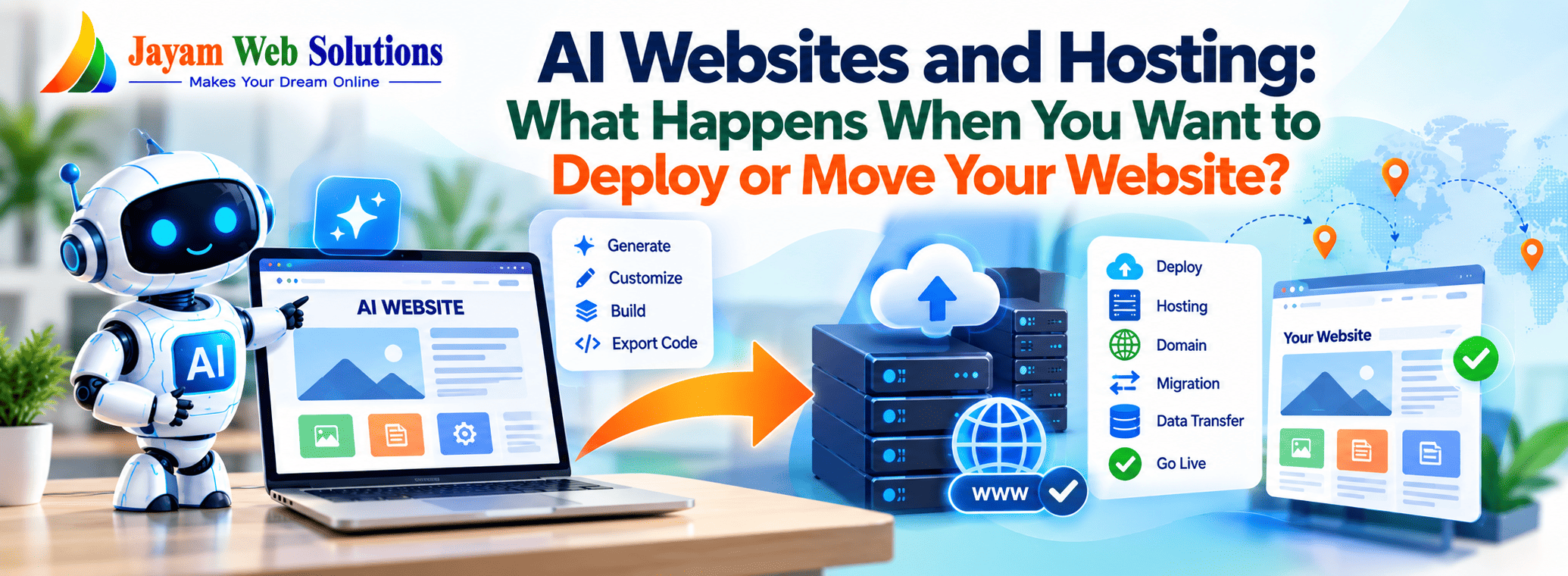
AI Websites and Hosting: What Happens When You Want to Deploy or Move Your Website?
AI can now generate complete website interfaces, landing pages and even sophisticated web applications from simple instructions.
You can describe your business, provide a few requirements and quickly receive a working website. Some AI development platforms can also generate projects using technologies such as React, Next.js and other modern frameworks.
But getting an AI-generated website to a preview screen is only the beginning.
What Is AI Website Deployment?
Website deployment is the process of taking a website or web application from development and making it available to users through a live URL.
With a traditionally developed website, developers normally have a clear understanding of:
- Source code
- Database
- Server
- Hosting environment
- Domain
- APIs
- Environment settings
- SSL certificate
- Deployment process
With an AI-generated website, the situation can be different.
The AI platform may have created the code, provided the development environment and hosted the application in the same ecosystem.
Therefore, before deploying the website somewhere else, you first need to understand what exactly has been generated.
Not Every AI Website Is the Same
An AI tool may produce several different types of websites.
1. Static Website
This may contain:
- HTML
- CSS
- JavaScript
- Images
- Fonts
Such websites are generally easier to deploy because they do not necessarily require a complex backend.
2. Front-End Application
The AI may generate a React, Vue or similar application.
This may require:
- Node.js
- Package dependencies
- Build commands
- Environment variables
- A suitable deployment environment
3. Full-Stack Web Application
A more advanced AI tool may generate:
- Frontend
- Backend
- Database integration
- Authentication
- APIs
- File storage
- Server-side functions
Moving this type of project requires considerably more than uploading a few files.
Current 2026 deployment guides similarly distinguish simple static outputs from AI-generated applications that depend on server-side functionality and external services.
Where Can an AI-Generated Website Be Hosted?
Once you have access to the necessary website files, there are several possible hosting approaches.
1. AI Platform Hosting
Many AI website platforms provide their own hosting.
The process can be very simple:
Generate → Preview → Publish
This is convenient because the platform generally handles much of the infrastructure.
However, the website may remain closely connected to that platform.
2. Traditional Web Hosting
If the AI-generated website is compatible with a traditional hosting environment, it may be possible to deploy it on:
- Shared hosting
- VPS hosting
- Dedicated servers
- Cloud servers
- Managed hosting
The correct option depends on the technology used by the website.
For example, a simple HTML website has very different hosting requirements from a Next.js application or a full-stack Node.js application.
3. Cloud Platforms
Modern AI-generated applications can also be deployed through cloud platforms designed for application hosting.
The deployment process may involve:
- Connecting a Git repository
- Installing dependencies
- Running a build command
- Configuring environment variables
- Connecting a database
- Adding a custom domain
Some current deployment workflows allow exported AI-generated projects to be connected directly to services such as Vercel or similar platforms.
Can You Simply Download the Website and Upload It to Another Server?
This is where many businesses misunderstand AI website migration.
Suppose an AI platform gives you a ZIP file containing the website code.
You might think:
Download → Upload to New Server → Website Live
That can work for some static websites.
But it may not work for a complete web application.
A functioning application may also require:
- Database
- Backend
- Authentication
- API keys
- Environment variables
- File storage
- Email services
- Payment gateway configuration
- Third-party APIs
- Scheduled jobs
- Domain configuration
Recent 2026 discussions specifically highlight that code export and complete application portability are different things.
Code Export Does Not Always Mean Complete Migration
This is one of the most important points for businesses.
Imagine an AI platform gives you:
website-source-code.zip
Inside the ZIP you may find:
- Frontend files
- Components
- Images
- Styles
- Configuration files
But your live website may also depend on:
Database + Authentication + Storage + APIs + Environment Variables + Hosting Services
Those components may not automatically be included in the downloaded code.
Therefore:
A website is portable only when the important components required to operate it can also be transferred or recreated.
This is a much more useful way to evaluate AI website builders than simply asking whether they have an "Export Code" button.
What Happens to the Database During Migration?
For a basic informational website, there may be no significant database requirement.
But consider an ecommerce website.
It may contain:
Products
Customers
Orders
Addresses
Discounts
Inventory
Reviews
Simply exporting the frontend does not transfer all this information.
The database needs to be:
- Exported
- Imported into the new environment
- Connected to the new application
- Tested
- Secured
The same principle applies to web applications containing customer accounts, dashboards or business records.
What About Login and Authentication?
Authentication is another area that can complicate migration.
An AI-generated application may use a third-party authentication service or a platform-specific authentication system.
When moving the website, you need to determine:
- Where user accounts are stored
- Where passwords or authentication credentials are managed
- Whether users can be transferred
- Whether authentication APIs need to be changed
- Whether session management depends on the original platform
A website may look completely independent after code export while still relying on an external authentication service.
What Happens to API Keys and Environment Variables?
Modern web applications frequently use environment variables.
These can contain:
- Database connection details
- API keys
- Payment gateway credentials
- Email service credentials
- Authentication settings
- Storage configuration
For security reasons, these values are usually not included directly in a public code export.
When moving the application to a new server, the required environment variables need to be configured again.
This is one reason why deployment is a technical process rather than simply copying website files.
Can You Move the Domain to Another Hosting Provider?
Yes, the domain and hosting are separate components.
You can generally keep the same domain while changing where the website is hosted, provided you have control over the domain and DNS settings.
The migration process may involve updating DNS records such as:
- A record
- CNAME
- AAAA record
- Other required DNS entries
The exact records depend on the hosting environment.
The important point is that changing hosting does not necessarily mean changing the domain.
What Happens to SEO When You Move an AI Website?
Website migration should be handled carefully from an SEO perspective.
Changing the hosting provider alone does not automatically mean losing search visibility.
However, problems can occur if migration changes:
- URLs
- Page structure
- Metadata
- Canonical tags
- Internal links
- Robots.txt
- XML sitemap
- Redirects
- Structured data
- Page content
For example, if:
example.com/services/web-development
becomes:
example.com/web-services
without an appropriate redirect, search engines and users may encounter a different URL.
A proper migration should therefore preserve existing URLs wherever possible.
Website Speed Should Also Be Tested After Migration
An AI-generated website may look fast during development but behave differently after deployment.
Performance depends on factors such as:
- Hosting infrastructure
- Server configuration
- Image sizes
- JavaScript bundles
- Database queries
- CDN configuration
- Caching
- API response times
After migration, businesses should test the live website rather than assuming that the development preview represents production performance.
Security Cannot Be Ignored
AI-generated code still needs security review.
Before moving an AI-generated website to production, check:
- Authentication
- User permissions
- Form validation
- API security
- Database access
- File uploads
- Payment integration
- Sensitive environment variables
- HTTPS
- Server configuration
- Dependency vulnerabilities
AI can help generate code, but deployment responsibility still requires appropriate technical review.
What Should You Check Before Moving an AI Website?
Before cancelling an AI platform or starting migration, create an inventory.
Website Files
Make sure you have the complete source code and required assets.
Database
Determine whether the database can be exported and restored.
Domain
Confirm that the domain is under your control.
DNS
Record the existing DNS configuration before making changes.
APIs
List every external API used by the website.
Authentication
Identify how customer and administrator login works.
Storage
Check where images, documents and uploaded files are stored.
Email
Identify SMTP or transactional email services.
Payment Gateway
Record the payment gateway configuration and callback URLs.
Environment Variables
Prepare all required configuration values securely.
Scheduled Tasks
Check whether cron jobs, scheduled functions or background processes are required.
Third-Party Services
Document every external service connected to the website.
This inventory can make the difference between a smooth migration and a lengthy rebuild.
A Practical AI Website Migration Process
A structured migration can follow this sequence:
Step 1: Identify the Technology
Find out whether the website uses:
- HTML/CSS/JS
- React
- Next.js
- PHP
- WordPress
- Node.js
- Another framework
Step 2: Export the Project
Download the available source code and assets.
Step 3: Backup the Database
If the website uses a database, create a proper backup.
Step 4: Document External Services
Record APIs, authentication, email, payment and storage services.
Step 5: Prepare the New Hosting
Configure the required runtime, database and server environment.
Step 6: Deploy the Application
Upload the code or connect the repository and install dependencies.
Step 7: Configure Environment Variables
Add the required production configuration securely.
Step 8: Restore the Database
Import the database and verify the application connection.
Step 9: Test the Website
Check:
- Login
- Forms
- Products
- Checkout
- Emails
- APIs
- Images
- Search
- Admin functions
Step 10: Connect the Domain
Update DNS after the new website has been tested.
Step 11: Test SEO
Verify:
- URLs
- Redirects
- Sitemap
- Robots.txt
- Canonical tags
- Metadata
- Structured data
Step 12: Monitor the New Website
After going live, monitor errors, performance, forms, transactions and important business functions.
AI Website Hosting: What Businesses Should Ask Before Choosing a Platform
Before building a business website with an AI platform, ask:
- Can I export the complete source code?
- Can I access the database?
- Can I host the website somewhere else?
- Does the application depend on platform-specific services?
- Can another developer maintain the website?
- Can I connect my own domain?
- Can I access DNS settings?
- Can I export customer and business data?
- What happens if I cancel my subscription?
- Can I continue operating the website independently?
These questions can reveal platform dependency before it becomes a problem.
AI Website or Custom Development: Which Hosting Approach Fits?
AI-generated websites can be useful when the priority is rapid creation and experimentation.
They can be particularly useful for:
- Landing pages
- Business websites
- Prototypes
- Campaign pages
- Early-stage products
- Simple websites
However, a business application with complex workflows may require a different architecture.
For example:
- Customer portals
- ERP integrations
- CRM integrations
- Inventory systems
- Billing applications
- Booking systems
- Ecommerce platforms
- Employee management systems
- Custom dashboards
These projects require more than generating the visual interface.
They need a reliable combination of frontend, backend, database, hosting, security and ongoing maintenance.
This is where professional custom web development can provide greater control over the overall architecture.
The Future of AI Website Development Is More Than One-Click Publishing
AI website development is moving beyond simple page generation.
The current ecosystem increasingly includes AI-generated applications, source-code export, Git-based workflows and deployment to external infrastructure. At the same time, portability discussions are becoming more focused on what happens outside the visible frontend—particularly databases, authentication, storage and third-party services.
This means businesses should start thinking about AI websites as software projects, not just automatically generated web pages.
The more functionality a website contains, the more important its deployment architecture becomes.
Final Thoughts
Creating a website with AI can be remarkably fast.
But launching a website successfully involves more than generating attractive pages.
A business should understand:
What was generated?
Where is it hosted?
What does it depend on?
Can the code be exported?
Can the database be moved?
Can the domain be transferred?
Can another developer maintain it?
Can the complete application run somewhere else?
The real measure of portability is not simply whether an AI platform allows you to download code.
It is whether you can take the website, data, services and configuration required to operate it and successfully run the project in a different environment.
For businesses planning to use AI for their websites in 2026, deployment and portability should be considered at the beginning of the project—not when it is time to leave the platform.
Jayam Web Solutions
Makes Your Dream Online
📧 marketing@jayamwebsolutions.com
📧 jayamwebsolutionspvtltd@gmail.com
📞 +91 9677876445